Apps
Keywink
Press one shortcut, type a few letters, and the thing opens.
brew install --cask niklas-heer/tap/keywink 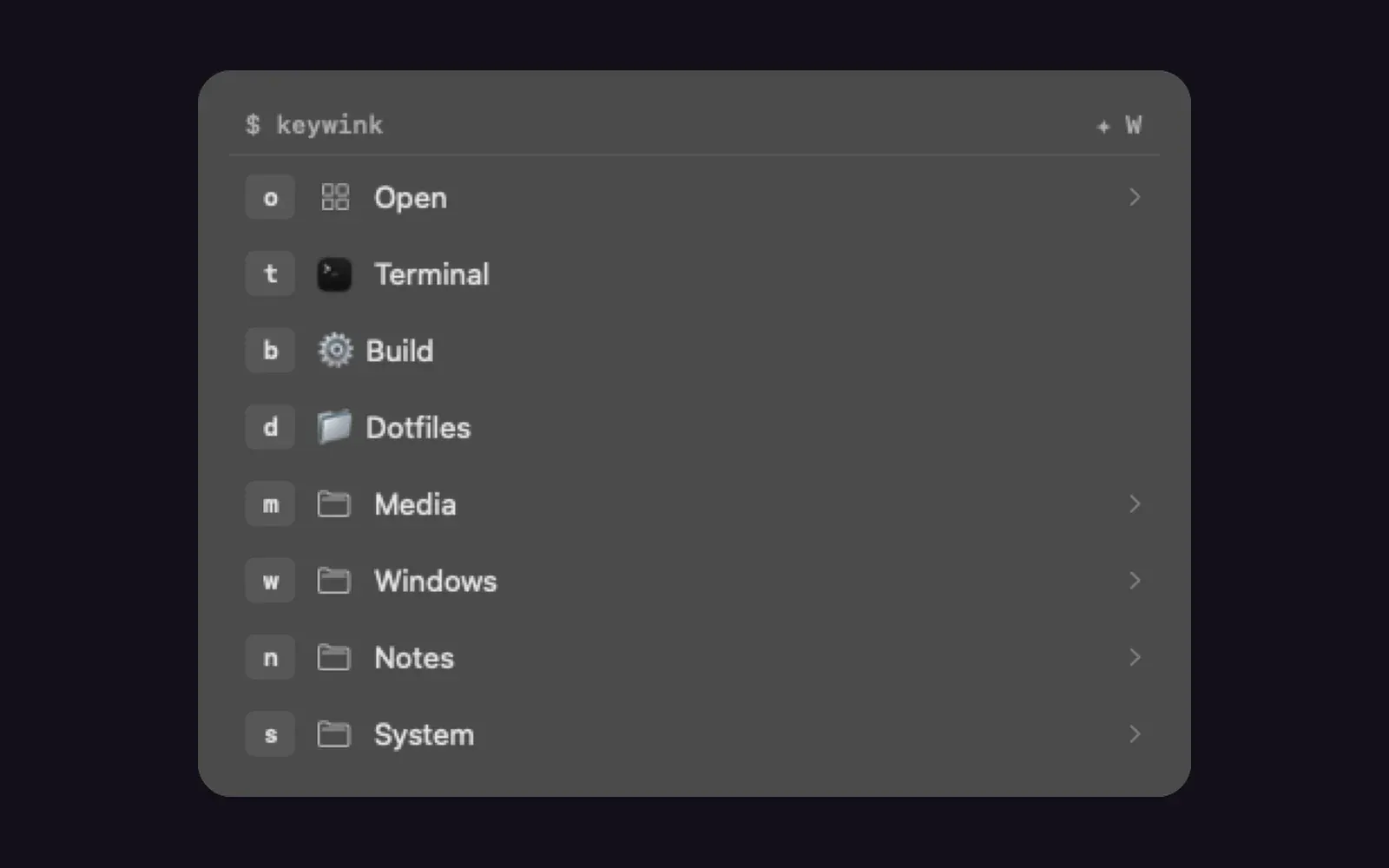
I don’t remember keyboard shortcuts with three modifiers in them. I do remember that o then m opens Messages.
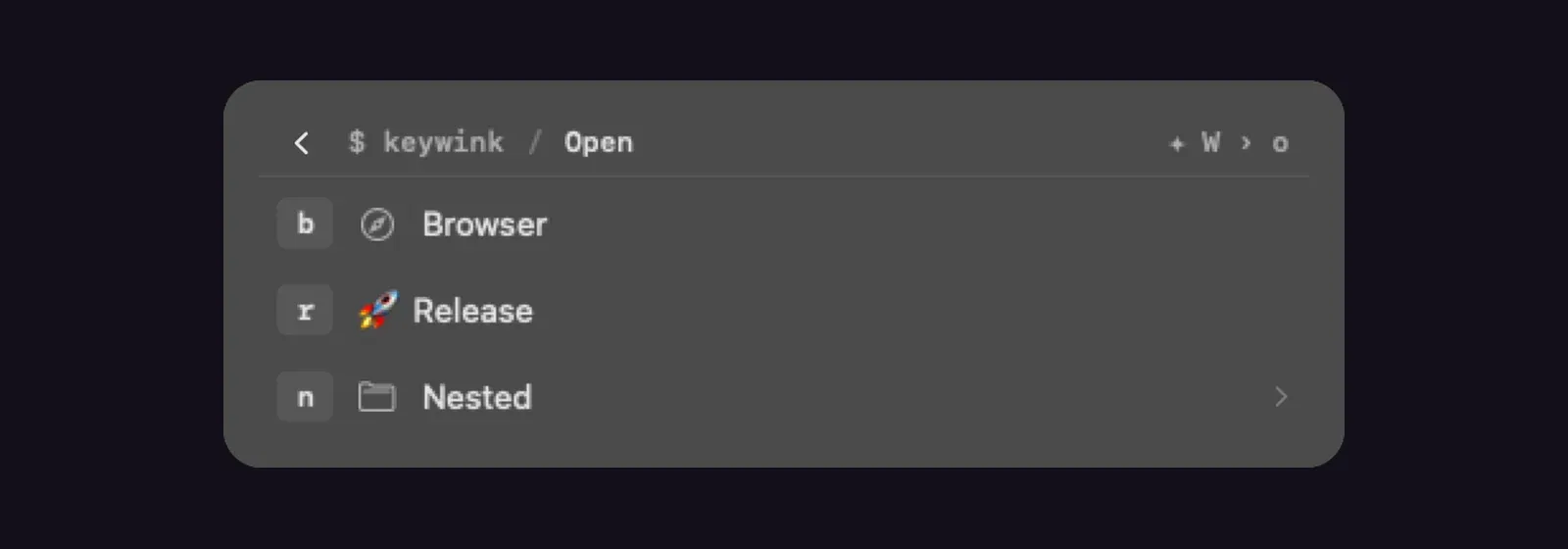
Keywink is a small macOS menu bar app built on that idea. You press one global shortcut, then type a short sequence of letters, and it opens an app, a URL or a folder, runs a command, types a snippet into the app you came from, or presses a key combination there. Groups can nest as deep as you like. While you type, a compact guide in the middle of the screen lists the keys available at that level, so there is no shortcut table to learn first. Backspace takes you up a level, Escape closes it.
It started as a fork of Leader Key by Mikkel Malmberg, which I liked a lot. Its issues and pull requests had been open without an answer for months, so I made an independent fork with its own identity, kept the history and the MIT license, and worked through a good part of that backlog: a repeat-last-action shortcut, toggling an app that is already in front, image icons, tests that never touch your real configuration, and text and shortcut actions. It can run next to Leader Key and imports its configuration.
A few things are new. Global shortcuts such as Hyper+G can jump straight into a group. Optional usage statistics count which keys you use from which app, stay on your Mac, and can sort the guide by frequency. The configuration can be JSON, TOML or KDL, edited by hand or in the built-in editor, and keywink:// URLs make it scriptable. That is how my text-to-speech app Spokn gets a read-aloud key sequence without a second global shortcut.
Keywink needs macOS 13 or later and runs on Apple Silicon and Intel. Releases are signed and notarized by Apple, and since September the app updates itself from GitHub Releases through Sparkle.
Gallery
Highlights
- Key sequences instead of chords
- A guide that shows what each key does
- JSON, TOML or KDL configuration