Apps
Spokn
Select text anywhere, press one shortcut, and listen.
brew install --cask niklas-heer/tap/spokn 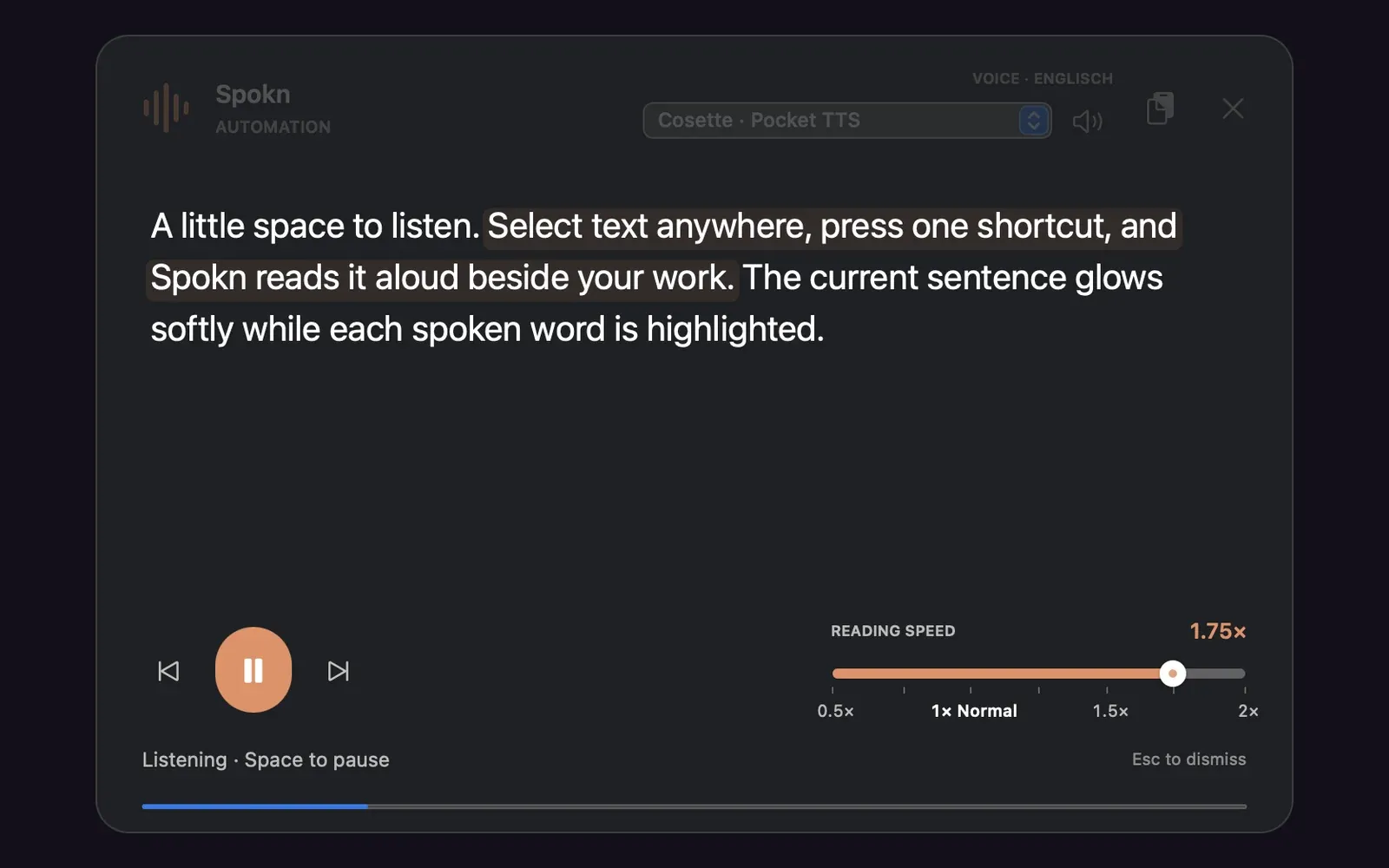
Some texts are easier to take in when you hear them, and easier to follow when you can see where the voice is. Spokn is my small Mac app for that.
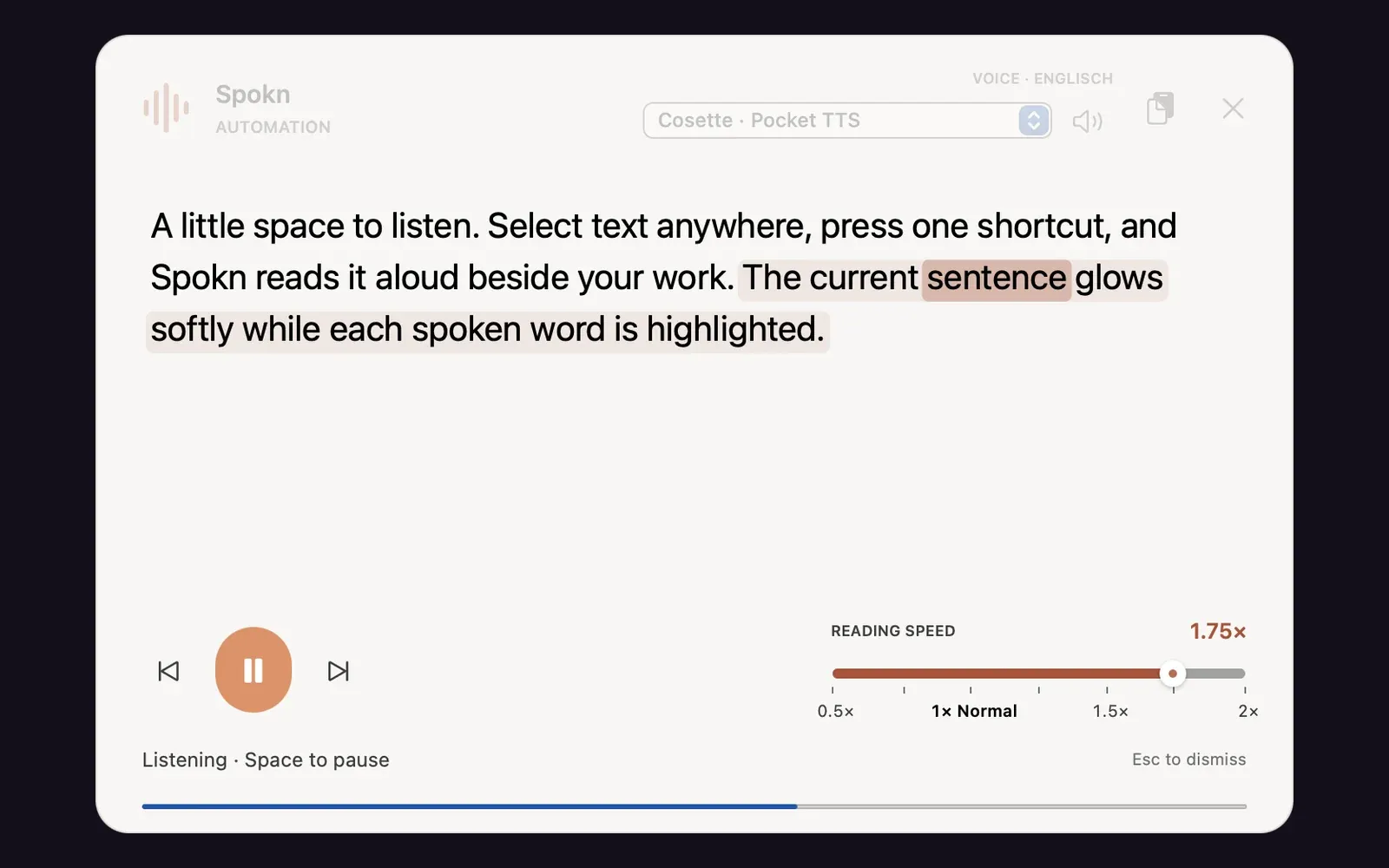
Select text in any app, press ⌘⇧S, and a floating panel appears beside your work and reads it. The current sentence glows softly and the spoken word gets a stronger highlight, like karaoke without the singing. Space pauses, the arrow keys jump between sentences, and clicking a word continues from there. The speed slider goes from half to double, and the highlights stay in step after a change.
It keeps the formatting of what you copied. Markdown, HTML and RTF arrive as headings, lists, emphasis and tables before Spokn splits them into words for speech, and your clipboard is restored afterwards. It detects the language of the passage and picks a matching voice. Besides Apple’s voices it can use open source Pocket TTS voices, which download once and then run on the Mac through Core ML. Nothing is sent anywhere.
The first version from December 2025 was a SwiftUI overlay. In September 2026 I replaced it with a native AppKit panel built on TextKit, Natural Language and AVFoundation, and the highlights now come from the speech engine’s own callbacks or, for the local voices, from word timings recognised in the generated audio. The same release added signed builds, automatic updates and spokn:// URLs, so a launcher like my Keywink can start, pause or stop a reading.
Spokn needs macOS 14 on Apple Silicon.
Gallery
Highlights
- Sentence and word highlights follow the voice
- Local Pocket TTS voices, no cloud
- Drivable from launchers via spokn:// URLs